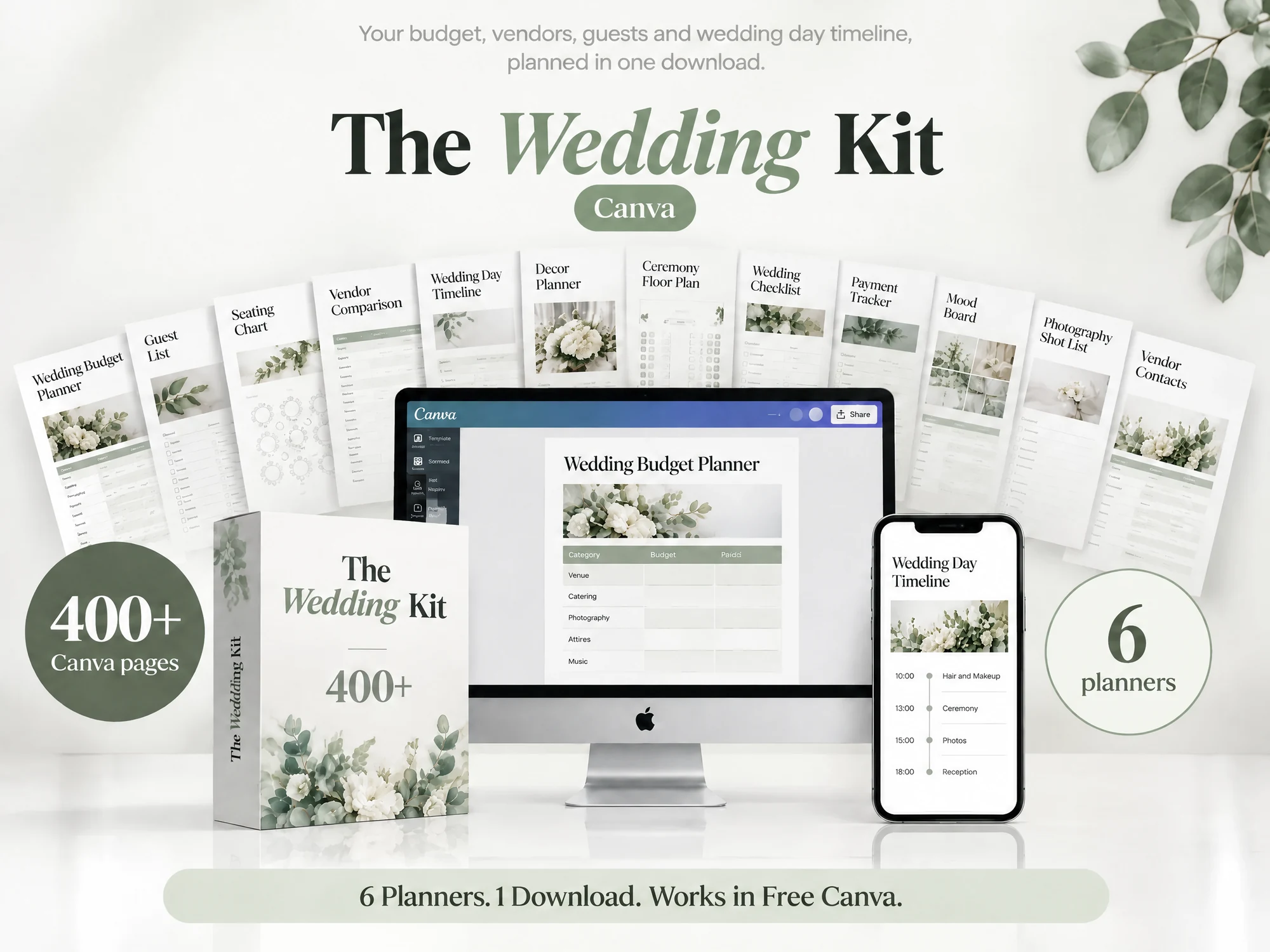
Wedding vendor contact list: fields that prevent missed calls
Wedding vendor contact list: record primary and backup contacts, arrival windows, and escalation owners so helpers know whom to call when plans change.
By The Wedding Kit by Cosmo Suite · Editorial policy
Published · 7 min read
A wedding vendor contact list is a working reference that connects each service to its day-of contact, arrival details, and escalation owner. It should help the person coordinating the day reach the right person and know what to do after a missed call. A phone number alone is not a handoff.
Keep one source current and make a smaller copy for each helper. The example in this guide is fictional. Names, times, companies, and contact labels are placeholders, not vendor recommendations or a schedule to copy.
At a glance: record the company and service, day-of contact, backup, arrival window, venue access point, point person, confirmation source, and last checked date. Mark any missing answer as open and assign a person to follow up.
Put the action fields before the phone numbers
Start with the action. Who needs to act, and what comes next? Connect each person to a service and a route for changes. A page of names and numbers leaves the reader to work out the rest.
| Field | What to enter | Check before sharing |
|---|---|---|
| Vendor or company | Name used in your agreement or confirmation | Is this the current provider? |
| Service | What the vendor is responsible for | Does the task match the latest plan? |
| Day-of contact | Person or official route for that date | Has the vendor confirmed it? |
| Backup route | Alternate number, office, or point person | What should happen if the first route fails? |
| Arrival window | Confirmed time range, not a guess | Does it fit the venue access window? |
| Access point | Door, loading area, or meeting place | Has the venue approved or confirmed it? |
| Point person | Helper who owns follow-up | Have they agreed to this responsibility? |
| Status and checked date | Confirmed, open, or unassigned | What source confirmed the detail, and when? |
Keep the confirmation source beside details that can change. “Vendor email, checked 12 October” is more useful than “confirmed” with no clue about who supplied the answer. If a time came from an older draft, label it open until the responsible person checks it again.
A day-of contact may differ from the person who booked the service. Ask which route the vendor wants used during the event. Do not assume the sales contact, owner, or person who signed the agreement will answer that day.
The Wedding Kit includes vendor contact pages in the Big Day Wedding Binder. If editable planning pages would help you organize the list, review The Wedding Kit's included pages and confirm that the contents fit your needs.

Separate the main contact from the escalation owner
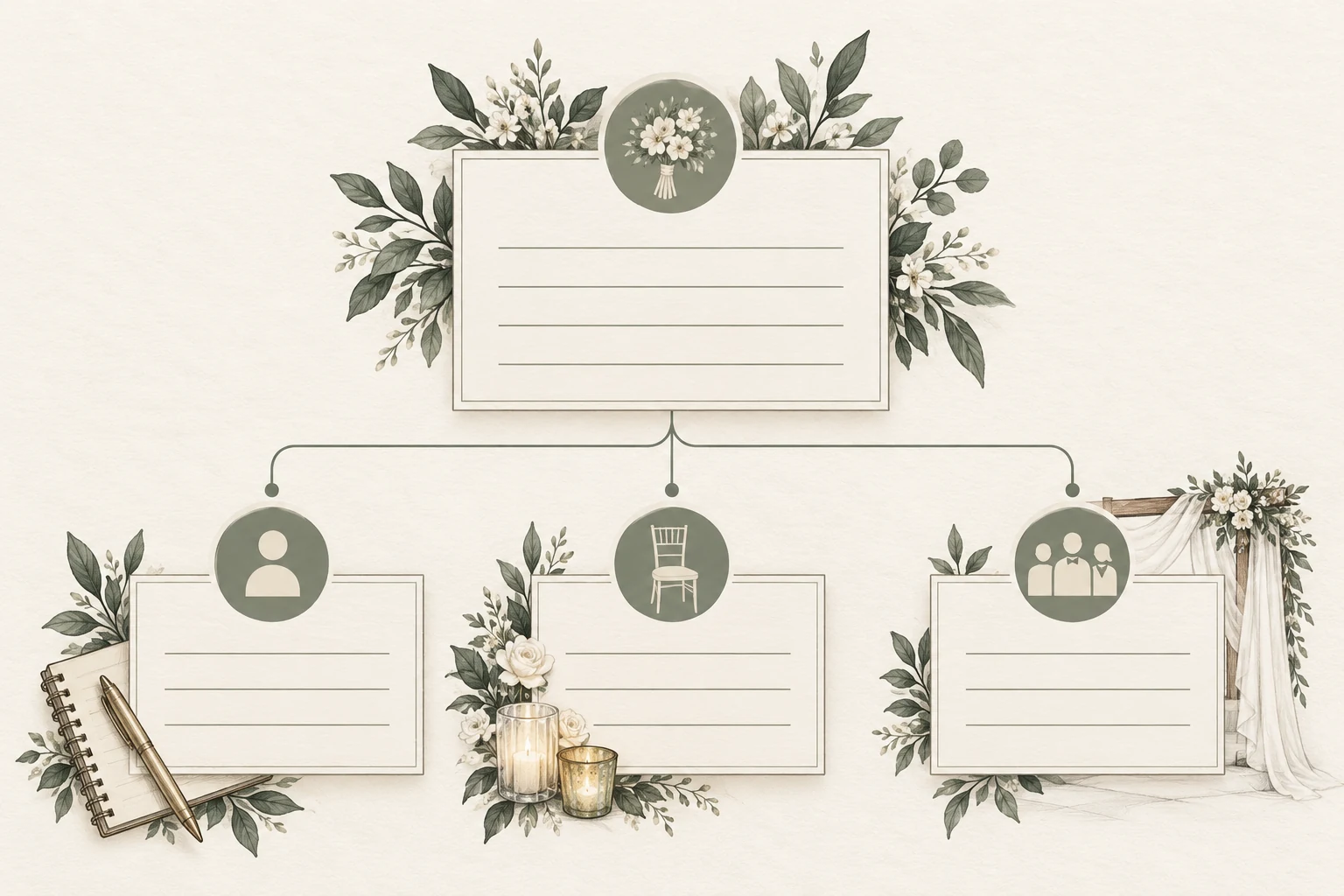
An escalation owner is the person who decides what happens if a service contact is unavailable or the plan changes. The main contact is the first call for that service. These roles can be the same person, but write them separately so the route is clear.
For example, a setup helper may contact the florist about an item delivery. If there is no answer, the helper calls the point person, who checks whether the venue can receive the delivery or whether the plan must change. The helper should not have to decide between vendors or approve a new setup location.
Use a short route such as:
- Call the vendor's confirmed day-of contact.
- If there is no response within the agreed interval, contact the named point person.
- The point person checks the source record and decides who needs an update.
- Record the resolution in the current schedule or open-items list.
Agree on the route with the people involved. There is no universal response interval that fits every event or vendor. Use the timeframe the vendor and point person accept, and leave it blank until someone confirms it.
The planning binder guide explains how to keep source records separate from the smaller day-of packet. The wedding day binder template guide focuses on assembling the final handoff pages.
Check arrivals against venue access
A vendor's arrival window and the venue's access window are separate details. The vendor tells you when their team expects to arrive. The venue tells you when and where they can enter or unload. Put both facts on the contact sheet or its linked schedule, then compare them before distributing the packet.
| Vendor | Arrival window | Venue access | Status | Owner of next step |
|---|---|---|---|---|
| Florist (fictional) | 9:30, from a fictional vendor message | Loading entrance opens at 10:00, fictional venue note | Conflict, do not treat as confirmed plan | Point person checks with both sources |
| Music provider (fictional) | Not supplied | Side entrance, still to confirm | Open | Couple asks venue about equipment access |
| Rental company (fictional) | 11:00, fictional confirmation | 10:30–12:00, fictional venue window | Fits on paper; recheck the final location | Decor lead verifies unloading point |
This table is a made-up example, not a recommended arrival schedule. It shows why copying a time into a list is not enough. When two sources disagree, keep the conflict visible and assign someone to reconcile it. Do not choose the earlier or later time on their behalf.
For each delivery or setup team, check the location, access route, arrival range, unloading limits, and who will meet them if that is part of your plan. The venue and vendor remain the sources for their own requirements. A contact sheet records the answer; it does not create venue approval.
Give each helper a useful copy
Keep one master list, then share only the entries each helper needs. A point person may need the full vendor list and escalation route. A decor helper may need the venue contact, rental delivery and decor setup contacts. A participant who only needs to arrive for a cue may need none of those numbers.
Create role-based copies from the same source. Before you share one, check that it contains the current version date, the helper's task, their first contact, and who to call if the plan changes. Remove unrelated details from a copy instead of relying on every recipient to ignore them.
If you use a design or file-sharing service, choose access that matches the task. Canva's help guidance describes separate view, comment, and edit permissions. Check the current settings before sending the link, and avoid giving edit access when a helper only needs to read the page. See Canva's sharing permissions guide.
The Federal Trade Commission guide is written for businesses, not couples, and it is not wedding or legal advice. It recommends limiting access to personal information based on business need. As a practical privacy check, review each copy and remove personal details that its recipient does not need. See the FTC guide to protecting personal information.
Make the list usable when something changes
Make changes easy to spot. Put one owner in charge of updating the source list, record a date beside each checked detail, and tell helpers where the current copy lives. When a number, arrival range, access point, or responsible person changes, update the source first and then replace the copies that use it.
Use three simple statuses:
- Confirmed: the responsible source has supplied or checked this detail.
- Open: someone still needs an answer or a source check.
- Unassigned: the next action has no owner yet.
Do not mark an entire vendor row confirmed because one number works. The contact may be confirmed while the arrival time is open. Put the status beside each changeable field, or split the row so the reader can see which fact still needs attention.
Before printing, remove older copies from the handoff area or mark them obsolete. Before sharing digitally, review who can open the link and whether former helpers still need access. A footer date helps compare copies. The status and source show whether a detail is ready to use.
Run a five-minute contact-list check
Ask the point person to use the list without you explaining it. Give them a fictional or non-sensitive change, then see whether they can find the responsible contact and escalation route. You can run this check yourself. Describe a result only after you have done it.
Ask them to:
- Find who handles a vendor arrival question.
- Identify the source for the arrival window.
- Spot a conflict between access and delivery times.
- Find who owns the next step when a contact is missing.
- Tell you which copy is current and where an older one goes.
If they cannot answer, fix the field or route before distributing the page. A clear list reduces the need to guess. It cannot guarantee that someone will answer, so include the agreed backup and escalation owner.
How The Wedding Kit fits
The Big Day Wedding Binder includes vendor contact pages, vendor schedules, timelines, checklists, and day-of planning pages. The Wedding Planning Book and Wedding Worksheet Library also include vendor contact or vendor information pages. Check the current contents list to choose the right pages for your workflow.
The pages organize the information you provide. They cannot verify vendor details, reserve arrival times, or approve venue access. See The Wedding Kit's wedding planning pages and use the sections that fit the details you need to gather and hand over.
A good contact list gives each helper a first route, a backup, and a named owner for unresolved details. Confirm changing information with the vendor or venue, record the source, and update the shared copy when the plan changes.
Why trust this guide
This guide is prepared by The Wedding Kit by Cosmo Suite, the publisher named in the byline. We checked the vendor-page names against the current product contents record and checked the cited sharing and privacy guidance on 31 October 2026. The sample schedule and names are fictional. This article does not report customer testing or claim that a contact list prevents every missed call. Confirm operational details with the vendor, venue, and people assigned to the event.
Frequently asked questions
What should a wedding vendor contact list include?
Include the vendor or company, service, primary day-of contact, backup route, confirmed arrival window, assigned point person, and the source and date of each confirmation. Add an escalation owner so a helper knows what to do if the first contact does not answer. Keep notes limited to what the recipient needs.
Who should be the main contact on a wedding day?
Choose one person who has agreed to handle day-of questions and can reach the couple or the right vendor. That person might be a coordinator, trusted helper, or one of the couple. Do not assume a relative or vendor has accepted the role without asking.
Should I share every vendor's phone number with all helpers?
No. Give each helper the numbers and instructions needed for their task. A point person may need the full contact sheet, while a setup helper may need only the venue contact and their own escalation route. Review copies before sharing and remove details that are not needed.
How do I record a vendor arrival time?
Record the arrival window only after checking it with the vendor or other responsible source. Include the access location and the person who confirmed it. If the venue's access window and a vendor's arrival plan do not match, flag the conflict and name who will resolve it.
What if a vendor has not confirmed a day-of contact?
Mark the contact as open instead of guessing. Assign someone to request the correct day-of route and set a follow-up date. If the answer is still missing, tell the point person before distributing the final packet so they can decide how to handle it.
When should I update a wedding vendor contact list?
Update it when a contact, arrival window, access point, or assigned owner changes. Keep one current source, add the date of the latest confirmation, and replace older shared or printed copies. A version date does not prove that each detail is confirmed, so show status beside the field.
Sources
Keep reading
Wedding planning
Wedding planning binder: build one you can hand over
Wedding planning binder: set up a useful index, keep originals organized, and prepare a smaller handoff packet with owners, confirmed times, and version dates.
· 9 min read
Wedding planning
Wedding day binder template: prepare a clear handoff
Wedding day binder template: arrange confirmed contacts and schedules, flag open setup details, and give each helper the current version they need.
· 10 min read
Wedding planning
How to Write Wedding Decor Setup Instructions
Wedding decor setup instructions need five details: location, reference, quantity, owner, and pack-away plan. Use this guide to make a clear handoff.
· 9 min read