Wedding planning binder: build one you can hand over
Wedding planning binder: set up a useful index, keep originals organized, and prepare a smaller handoff packet with owners, confirmed times, and version dates.
By The Wedding Kit by Cosmo Suite · Editorial policy
Published · 9 min read
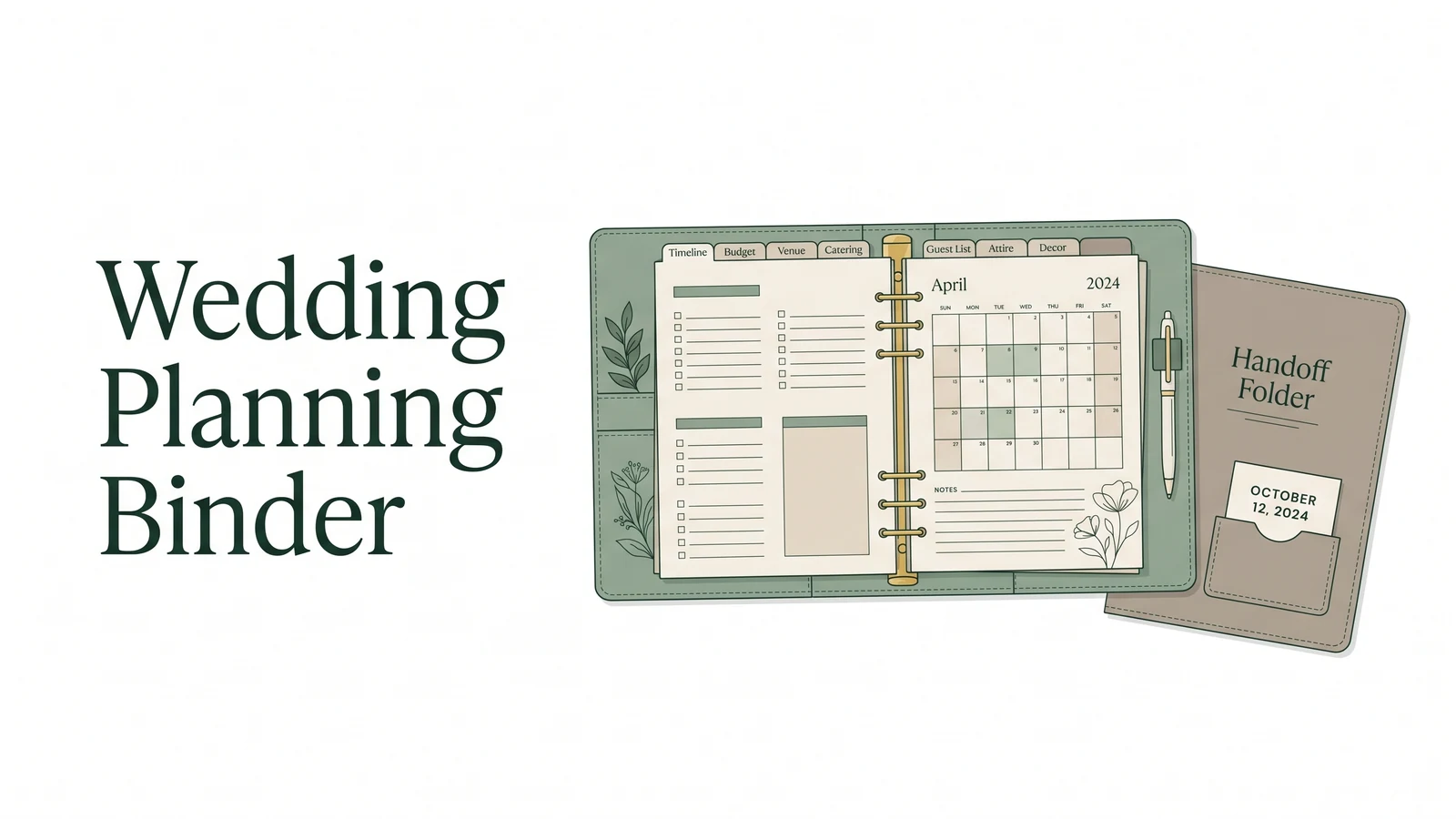
A wedding planning binder is the working archive where you keep decisions, source records, and current planning details. It works when you can find the current answer and hand the right piece to the right person. It does not need every note in one place. It needs a clear index and a smaller packet for the people helping on the day.
Start with the decisions you need to make, then file each confirmation beside the decision it supports. Keep originals and private notes in the working archive. Give a helper a copy with the confirmed time, location, task owner, and next step. Mark uncertain details so nobody mistakes a guess for a final plan.
The example below uses fictional people and dates. It shows how three ordinary records can move from planning notes to a limited handoff without turning the whole binder into a shared file.
At a glance: make one working archive, index each document by purpose and owner, then copy only the current instructions each helper needs. Add a last-confirmed date to details that can change.
Choose a working format you will maintain
Pick paper, digital pages, or a mix based on who will update the records and how helpers will use them. A pretty binder can still fail if every schedule change means replacing several pages.
Paper works well for handwritten notes, printed contracts, and a person who prefers a physical reference. It can be used without a charged device. The tradeoff is that a change may need to be written in several places, and new copies must replace old ones.
Digital pages are easier to revise and duplicate. They also make it simpler to keep a private working folder separate from a shareable packet. Their limits depend on the tools and the people using them: a helper may not have access, know where the current file is, or have a connection when they need it.
Many couples use both. They keep the detailed planning archive in an editable format and print a short, current packet for the day. The two formats have different jobs, so they do not need to contain the same pages.
If you want editable and printable pages to organize your own records, The Wedding Kit's planning pages include a Wedding Planning Book, Big Day Wedding Binder, Wedding Worksheet Library, and Wedding To-Do Checklists. The bundle is digital; it is not a delivered physical binder.
Build the index around decisions
An index is a map of the records, their purpose, their keeper, and the last time a changeable detail was confirmed. Use it to decide what belongs in the archive and what can travel to a helper.
| Index section | Example document | Purpose | Original keeper | Shareable copy | Last confirmed |
|---|---|---|---|---|---|
| Decisions and timing | Ceremony start note | Track a date that affects the schedule | Couple | Current schedule for the point person | 12 Oct 2026, fictional |
| Vendor records | Florist confirmation | Keep agreed services and contact details together | Couple | Setup time and delivery contact for the setup lead | 15 Oct 2026, fictional |
| Guest needs | Transport pickup list | Coordinate a specific pickup task | Couple | Relevant pickup names and locations for the transport lead | 18 Oct 2026, fictional |
| Decor and layout | Table reference | Show the agreed setup for one area | Couple | Setup image and table location for the decor lead | 20 Oct 2026, fictional |
| Day-of packet | Current run sheet | Help people carry out assigned tasks | Point person | The people assigned to the listed tasks | 24 Oct 2026, fictional |
These example dates are fictional. Replace them with the date you checked the actual detail. “Last confirmed” should mean someone checked it with the source that controls it, such as the venue or vendor, not the day you copied it into the binder.
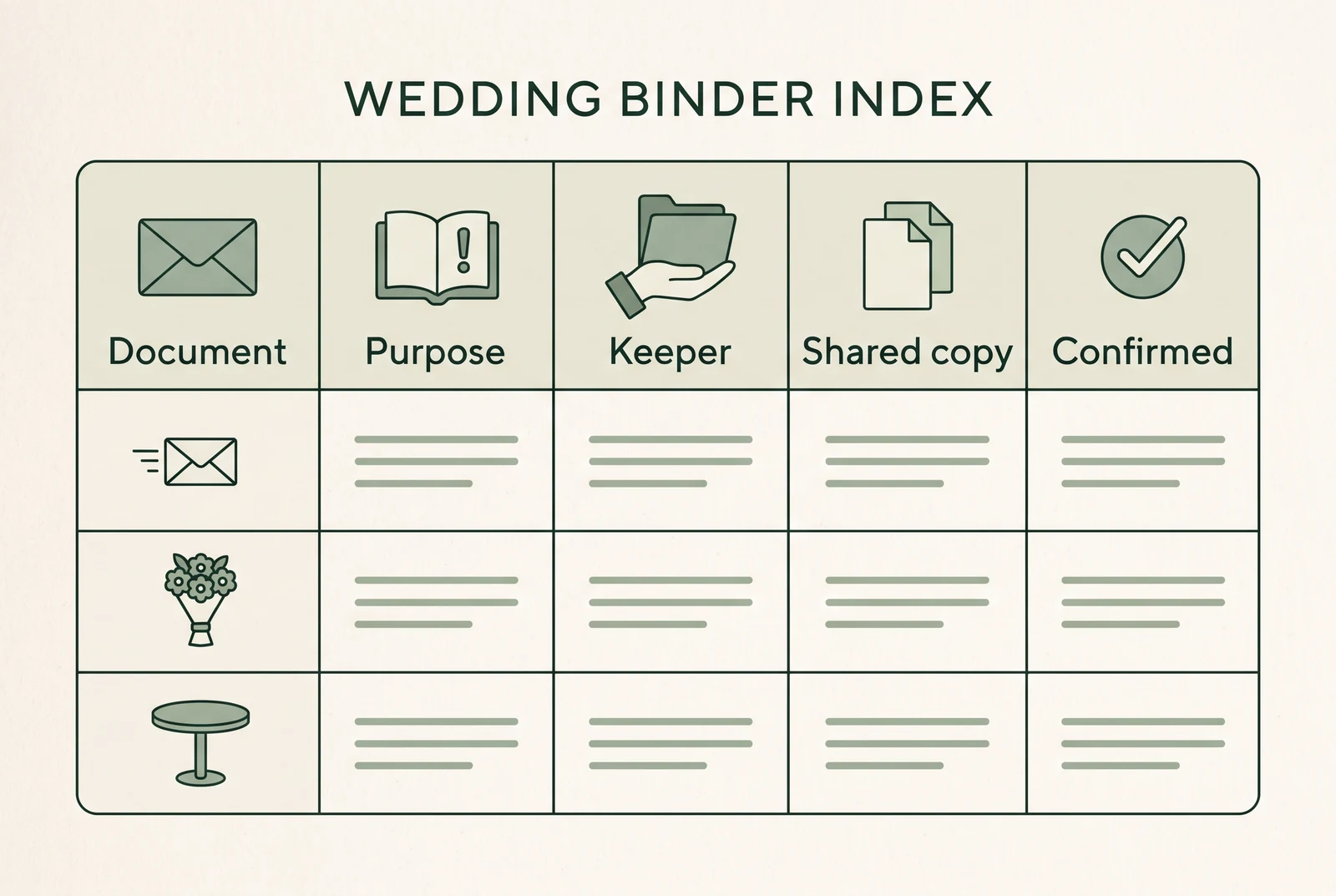
Start with broad sections that match the way you make decisions. Put estimates and questions near the relevant decision, but label them as open. Keep a confirmed vendor reply beside the vendor record. Put decor instructions near the matching layout reference. A table of contents can point to these sections without forcing you to duplicate every page.
For each entry, write one short purpose. “Florist email” names a file; “delivery time and setup contact” tells a helper why it matters. If a document serves two tasks, list its main home and point to it from the other section. This avoids keeping two copies that can drift apart.
Put each document in the right place
Separate the full record from the instruction someone needs to act. Keep originals in the working binder or its digital folder. Make a shorter copy for the person responsible for the task, and mark any detail that still needs confirmation.
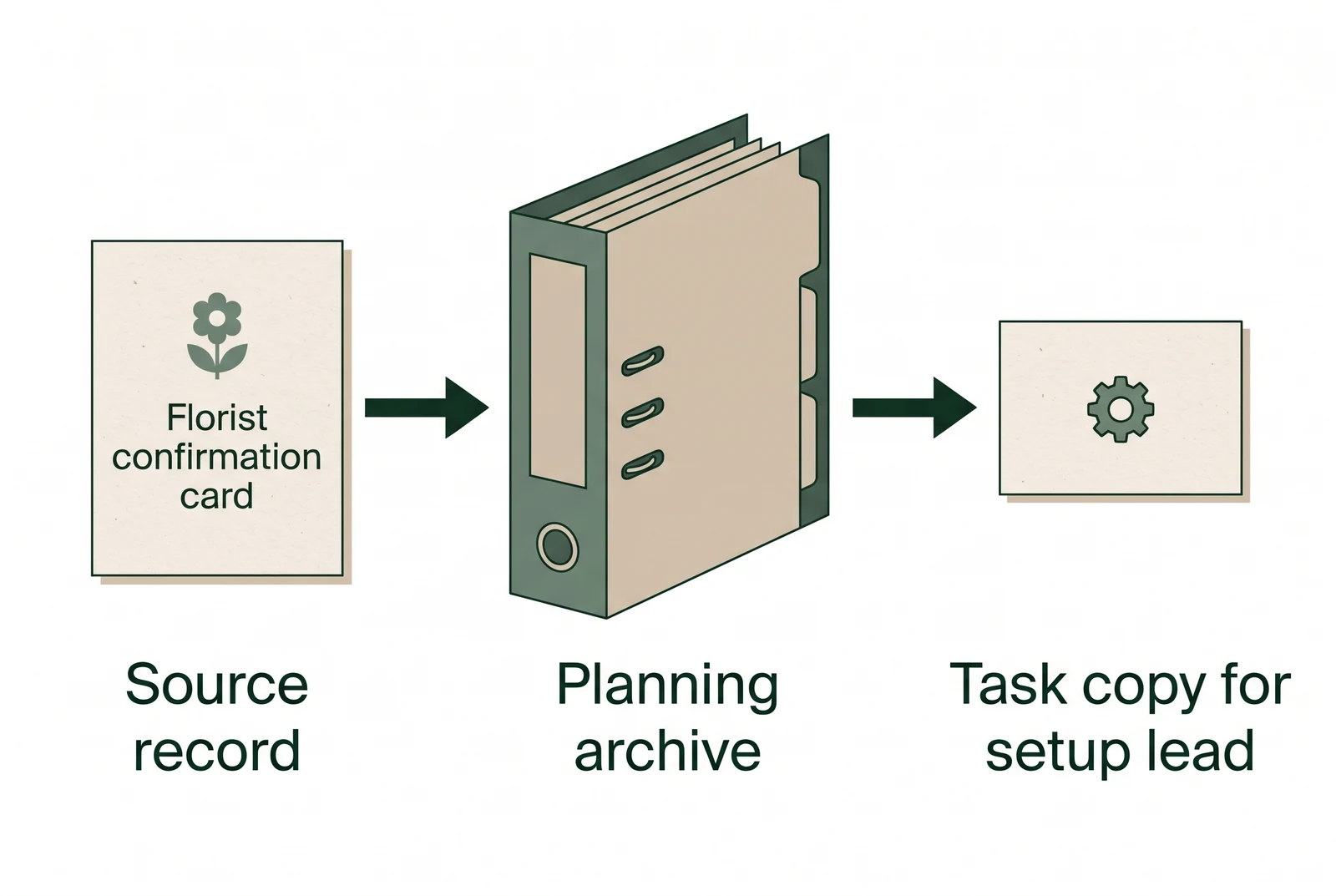
Fictional example 1: vendor confirmation. The couple keeps the florist’s complete confirmation with the vendor records. The decor lead receives only the confirmed delivery window, venue access point, setup contact, and the instruction to call the named point person if arrival changes. The couple checks the time with the florist and venue before marking it confirmed.
Fictional example 2: table setup reference. The working archive keeps the layout note and the couple’s planning comments. The setup lead receives the reference for the assigned room, the table identifier, the setup instructions, and a contact for questions. The reference does not assert room capacity or replace venue approval. Confirm those details with the venue.
Fictional example 3: guest transport. The couple’s full planning record may hold transport research and notes. The transport lead gets only the pickup information needed for their assigned route. Do not copy unrelated guest details into the shared page. The FTC recommends keeping only personal information a business needs and limiting access; the same careful habit is useful when deciding what to put in a shared planning packet. See the FTC's guide to protecting personal information.
In every example, the original stays with its keeper, the helper gets a task-specific copy, and the copy states when a detail was last checked. If the detail changes, update the source record and replace the shared copy. A visible “open” label is safer than a confident-looking blank or an unconfirmed time.
Keep the handoff packet small and current
A handoff packet is the small set of current instructions a named helper needs to do an assigned task. It is not a duplicate of the full wedding planning binder. Give each person enough context, then leave unrelated plans and private notes in the archive.
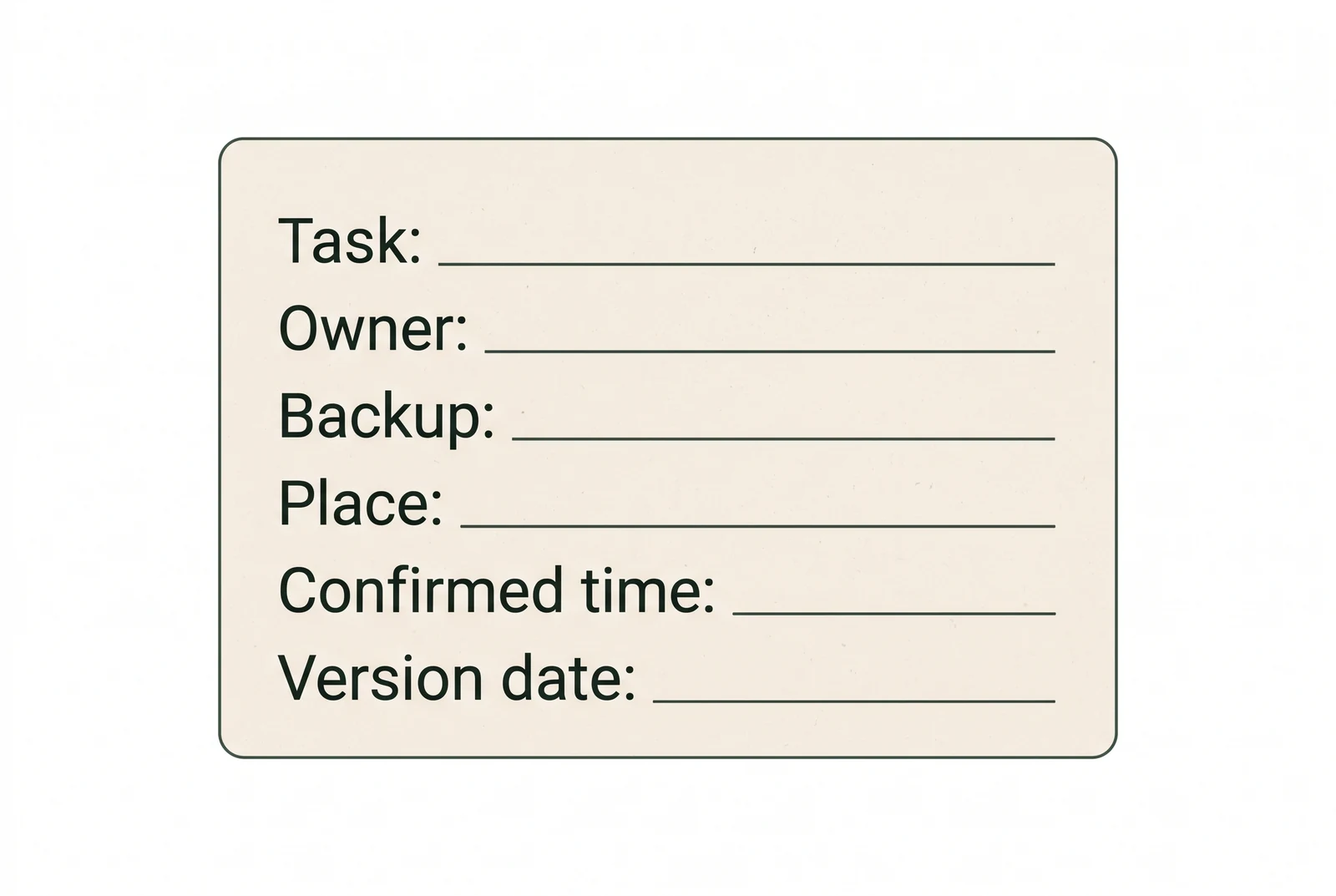
For each handoff item, include the task, owner, backup contact, location, confirmed time, and version date. “Decor setup” is too broad by itself. “Place the welcome sign by the north entrance before guest arrival; lead: Alex; backup: Sam; venue access confirmed 24 Oct” gives a helper a task and a route for questions. The people and date here are fictional.
Keep the packet grouped by the people who will use it or by the moment they need it. A point person may need the full schedule and vendor contacts. A decor lead may need a layout reference and setup notes. A guest transport lead may need pickup locations and a contact for changes. Someone who only gives a reading may need a cue and arrival time, not the rest of the binder.
Before sharing, check who can open the digital folder or handle the paper copy. Remove details that do not support the task. The FTC's security guidance for businesses recommends thinking about what information is collected, how long it is kept, and who can access it. This article is organizational guidance, not legal advice; follow applicable privacy requirements for your situation.
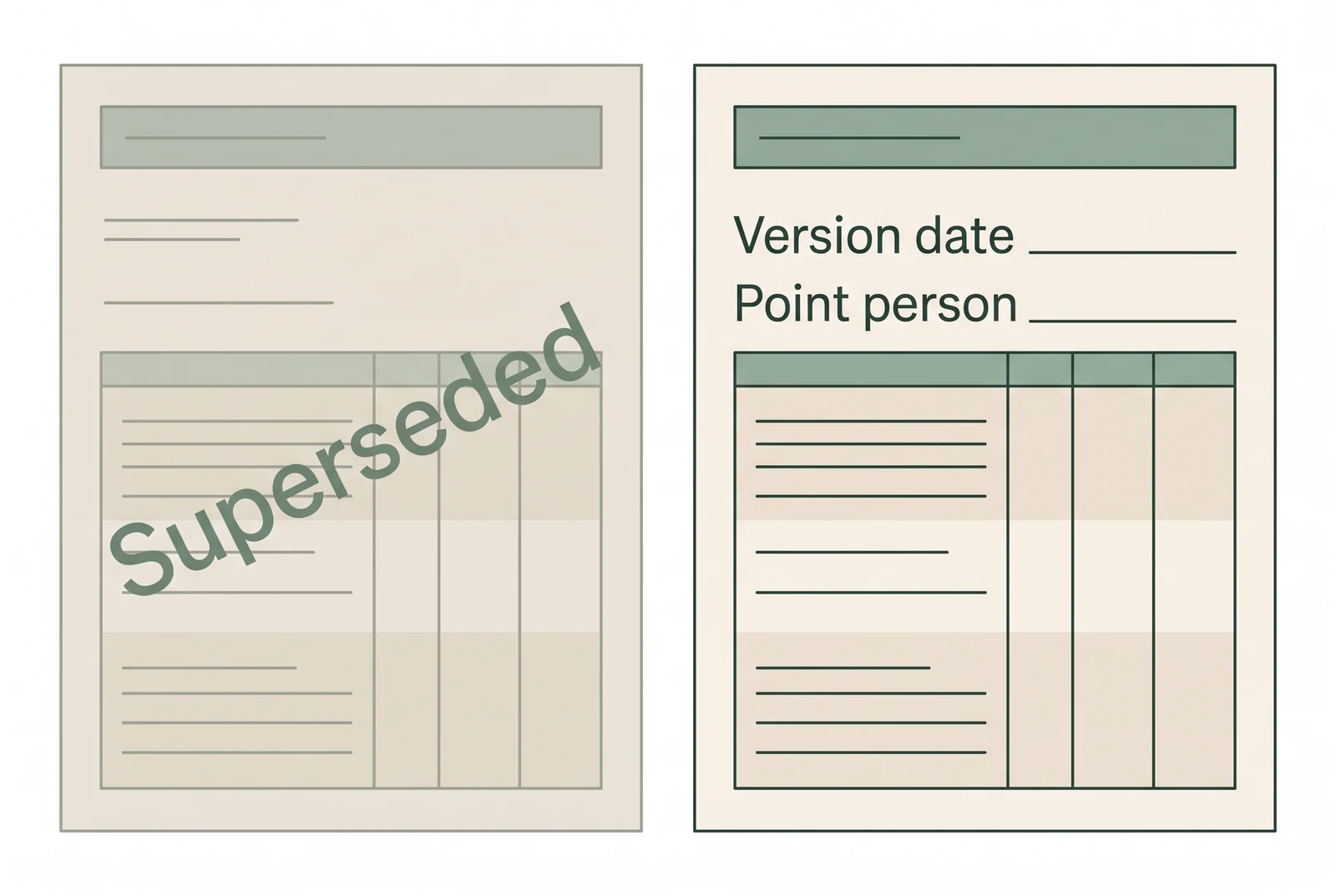
Do not send a packet with two schedules and ask helpers to choose. Put one current version in the shared location, date it, and tell people where it lives. If you print a copy, remove or mark the old one when you replace it. A single contact for updates also prevents several helpers from editing different versions.
The detailed template for a day-of binder belongs in a separate guide. For this planning binder, the useful rule is simpler: preserve the planning record, then create the smallest copy that lets each helper do their assigned work.
Assemble the binder and name files clearly
Create a section for each index category, then give files names that remain clear outside the folder. A date and subject are easier to scan than a chain of filenames such as “final,” “final-2,” and “latest.”
For a digital folder, use a repeatable pattern such as 2026-10-24-florist-delivery-confirmation or 2026-10-24-reception-table-setup. Use the actual date and subject; these examples are fictional. Keep the current version obvious, and archive an old copy only when you need its history. Do not use a filename to imply that a vendor approved something they have not confirmed.
For paper, use dividers that match the index, and put the most-used schedule and contact sheet near the front. Keep originals together rather than punching or marking a contract if that could damage it. Store private material where casual readers will not see it. Choose dividers you can scan quickly. Fancy stationery is optional.
Build the binder in this order:
- Create the index and name the person responsible for updating it.
- File each source record under one main section.
- Mark open questions and assign someone to get the answer.
- Copy confirmed instructions into the helper packet.
- Add the version date and remove older shared copies.
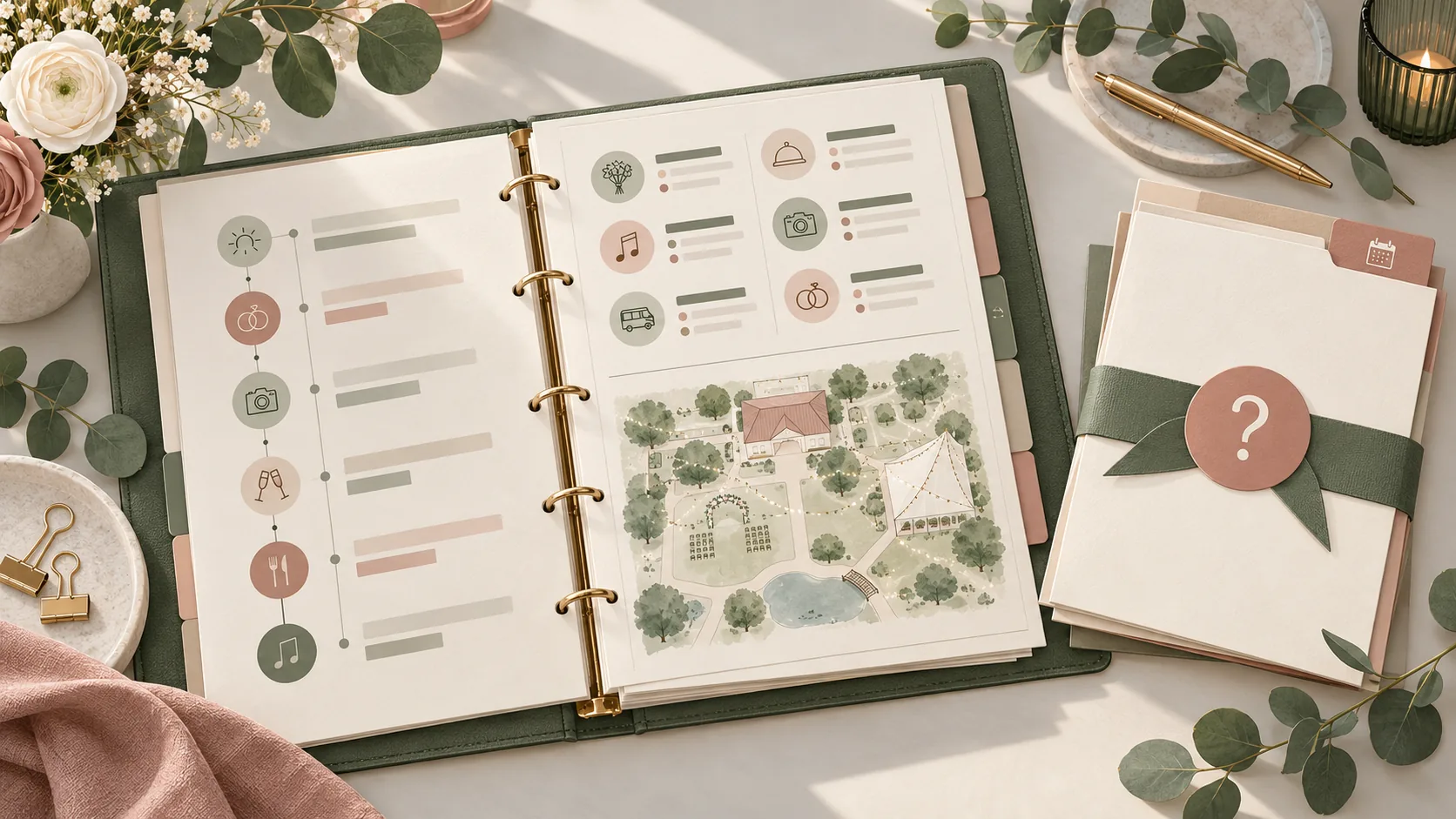
You can use printable pages or editable templates to set up the records. The Wedding Kit offers pages for planning records, decor instructions, venue layouts, and a day-of binder. Check the contents list to choose the pages that fit your own process; you still confirm plans with your venue and vendors.
How The Wedding Kit fits
The Wedding Kit is a digital collection of editable and printable wedding planning pages. Its approved contents include the Wedding Planning Book for records such as timelines, guest lists, budgets, vendor contacts, and decor inventory; the Big Day Wedding Binder for contacts, schedules, setup notes, and handoff details; and the Wedding Venue Layout Builder with blank ceremony and reception layouts.
Those pages give you places to organize information. They do not confirm a venue time, certify a room layout, or send instructions to a vendor. Keep those decisions tied to the person who can verify them. Review The Wedding Kit's included pages and choose the sections that match your own binder.
Review changes before you share
Update a record when a confirmed fact changes, not simply because another week passed. Focus on facts that can affect another person’s task: a time, location, contact, quantity, assigned owner, or access instruction.
Use a short check each time you prepare or revise a handoff:
- Is this the latest confirmed version?
- Who owns the next action, and who is the backup?
- Does the helper need every detail on this page?
- Is any timing or venue detail still open?
- Have older copies been removed or clearly marked?
If something is not confirmed, write what is missing and who will confirm it. For example: “Room access time: open; Jamie to confirm with venue by 24 Oct.” That entry is fictional. It makes the next action visible without turning an estimate into a promise.
Ask one person who will use the packet to walk through a task. Have them find the page, identify the owner, locate the contact, and explain what they would do if the confirmed detail changes. If they have to ask where the latest version is, improve the index or the handoff instructions before sharing it more widely.
The Wedding Kit includes editable planning pages for organizing a wedding, including the Wedding Planning Book and Big Day Wedding Binder. Use the pages as a place to organize your own decisions and instructions; the people responsible still need to verify times, access, and setup details with the venue and vendors.
Frequently asked questions
What should go in a wedding planning binder?
Keep the records you use to make decisions: a planning timeline, budget notes, vendor confirmations, guest needs, decor references, and the current day schedule. Add an index that shows where each item lives, who owns it, and when it was last confirmed. Keep private originals in the working archive and share only the copies a helper needs.
Should a wedding planning binder be paper or digital?
Choose the format you will update and the people helping you can use. Paper is easy to mark up and can work without a device. Digital pages are easier to update and share, but helpers need access and a reliable way to find the current version. Many couples use both: a digital working archive and a printed handoff packet.
What is the difference between a planning binder and a day-of binder?
A planning binder is the larger working archive for decisions, notes, comparisons, and records. A day-of binder is a smaller, current set of instructions for the people carrying out tasks. It should give them the relevant contact, time, location, owner, and next step without exposing every planning document.
How do I keep helpers from using an old schedule?
Give the schedule an owner and a clear version date, then replace the shared copy when a confirmed detail changes. Tell helpers where the current copy lives and who can answer questions. Remove old printouts from the handoff packet instead of leaving several versions together.
Should guest information go in a wedding binder?
Only include what a specific person needs for a task. A seating helper may need table assignments, while a person arranging transport may need pickup details. Keep sensitive or unnecessary information out of shared copies, and store the full planning record somewhere access is limited.
How often should I update a wedding planning binder?
Update it whenever a confirmed decision changes a date, amount, contact, location, or responsibility. You do not need to rewrite every page each week. A short review after vendor confirmations and before sharing the handoff packet catches stale details while leaving stable notes alone.
Can a digital wedding planner replace a physical binder?
It can replace the paper working binder if you can edit, find, and access the records you need. It may not replace a printed day-of copy when a helper needs information without a device or internet access. Decide based on the task and the people using each copy.
Sources
Keep reading
Wedding planning
How to Write Wedding Decor Setup Instructions
Wedding decor setup instructions need five details: location, reference, quantity, owner, and pack-away plan. Use this guide to make a clear handoff.
· 9 min read
Wedding planning
Wedding vendor contact list: fields that prevent missed calls
Wedding vendor contact list: record primary and backup contacts, arrival windows, and escalation owners so helpers know whom to call when plans change.
· 7 min read
Wedding planning
Wedding day binder template: prepare a clear handoff
Wedding day binder template: arrange confirmed contacts and schedules, flag open setup details, and give each helper the current version they need.
· 10 min read