
Plan Your Whole Wedding in One Canva Bundle
Your budget, vendors, guests and big day timeline in 400+ Canva pages. Six planners, one download, from "yes" to "I do".
- 400+ pages across 6 planners
- Works in free Canva, printable
- Budget and guest pages
- 3 wedding day timelines
Instant download • Free Canva • One-time payment
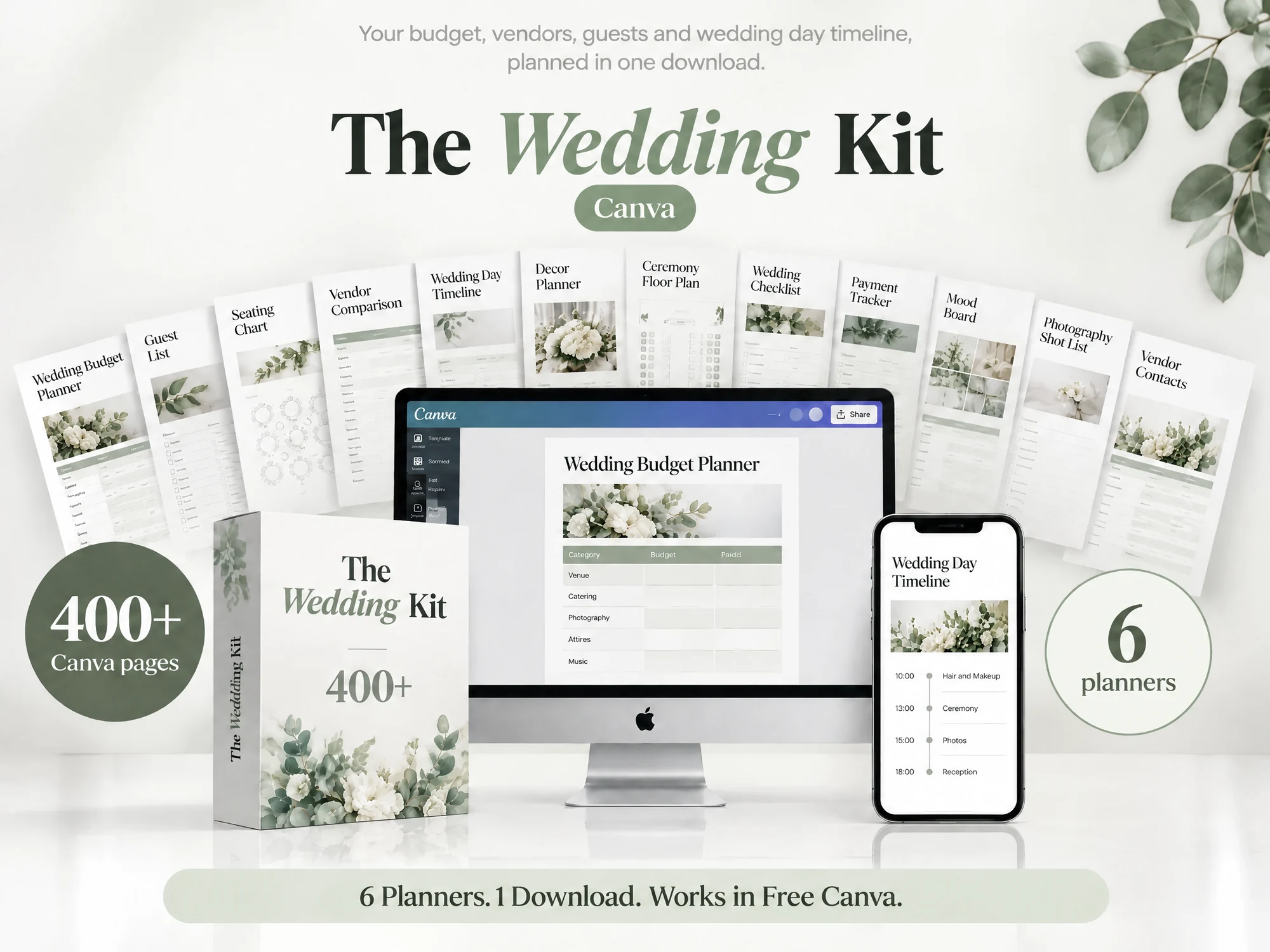
Works wherever you plan your wedding
400+ Planner Pages
The book, binder, decor, layouts, worksheets and checklists.

What the Wedding Kit Covers
Budget, vendors, guests, decor and the big day, in one Canva set.
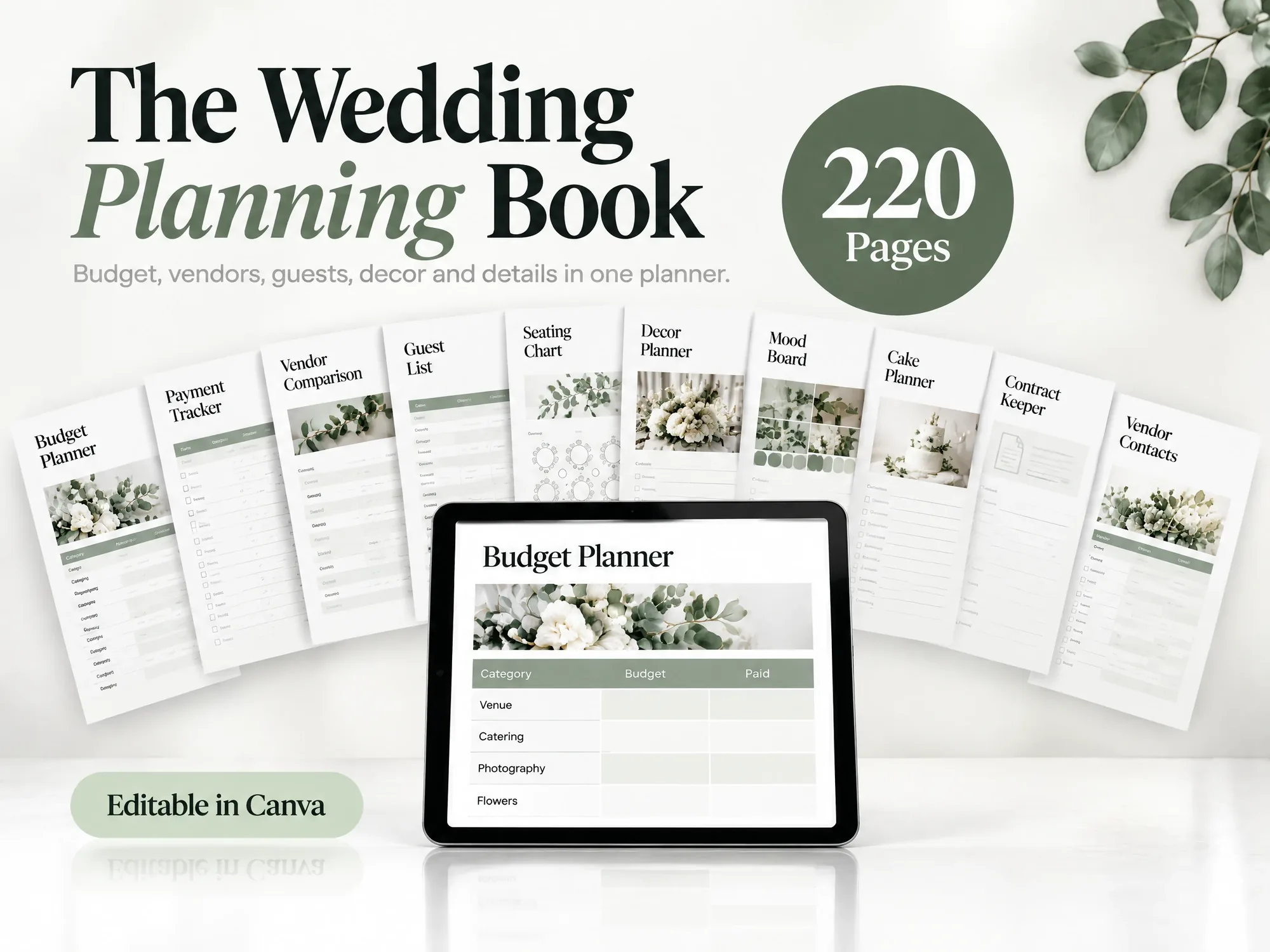
Budget and Payments
A budget planner and a payment tracker in one.
Vendors and Contracts
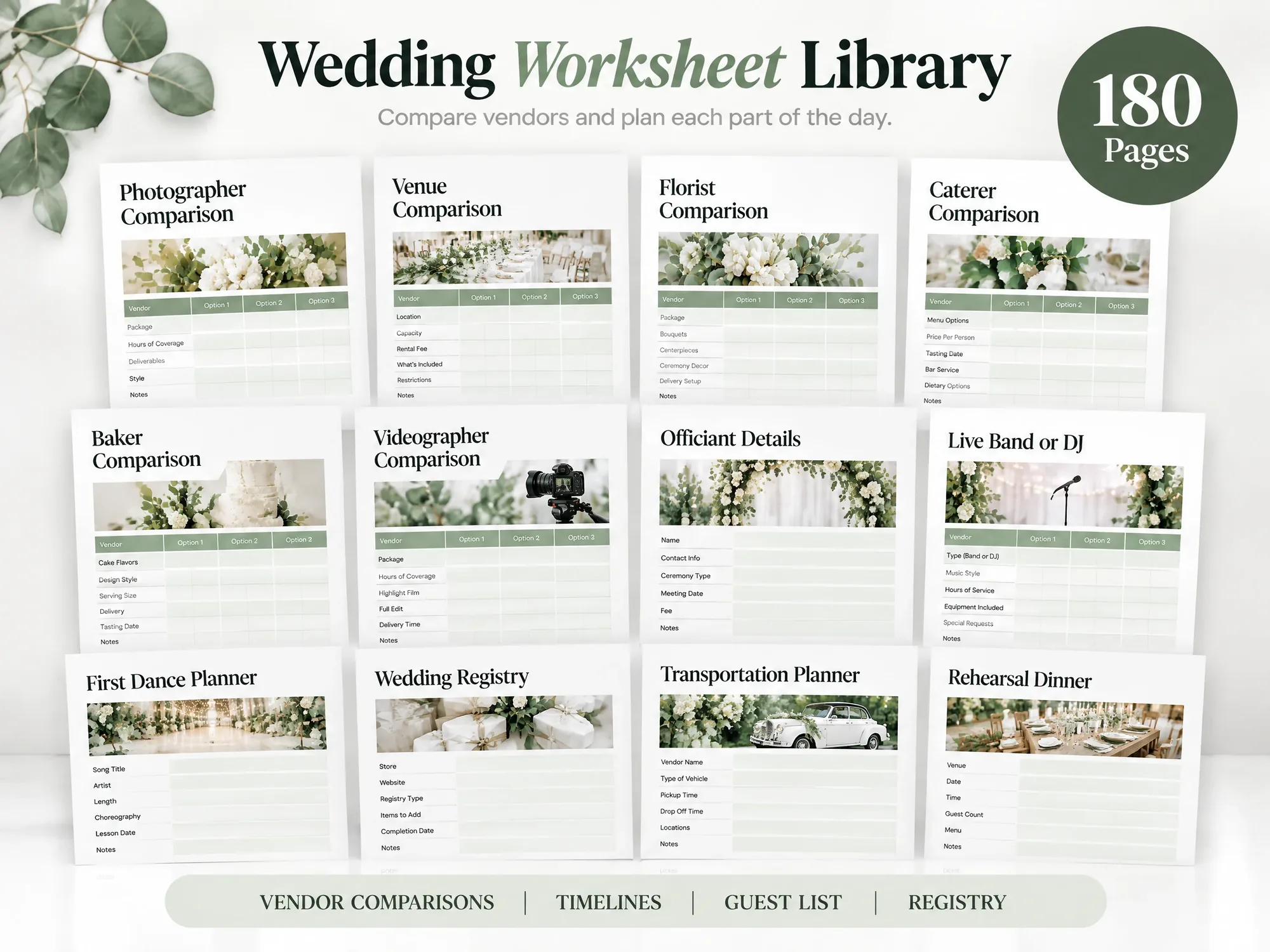
Compare vendors, track contacts and keep every contract.
Guests and Seating
Guest lists, guest logistics and seating charts.
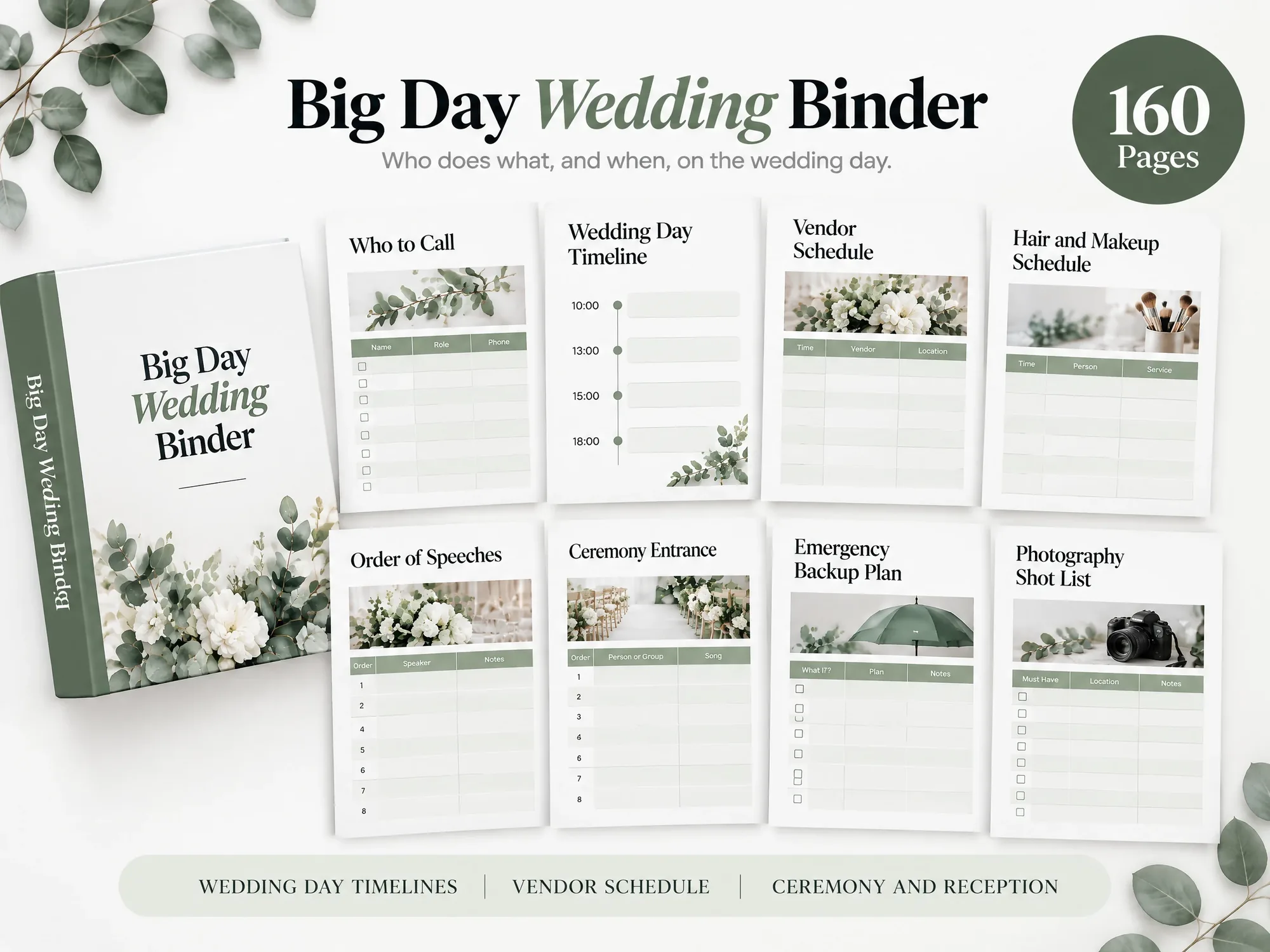
Wedding Day Timelines
3 wedding day timelines and a vendor schedule.
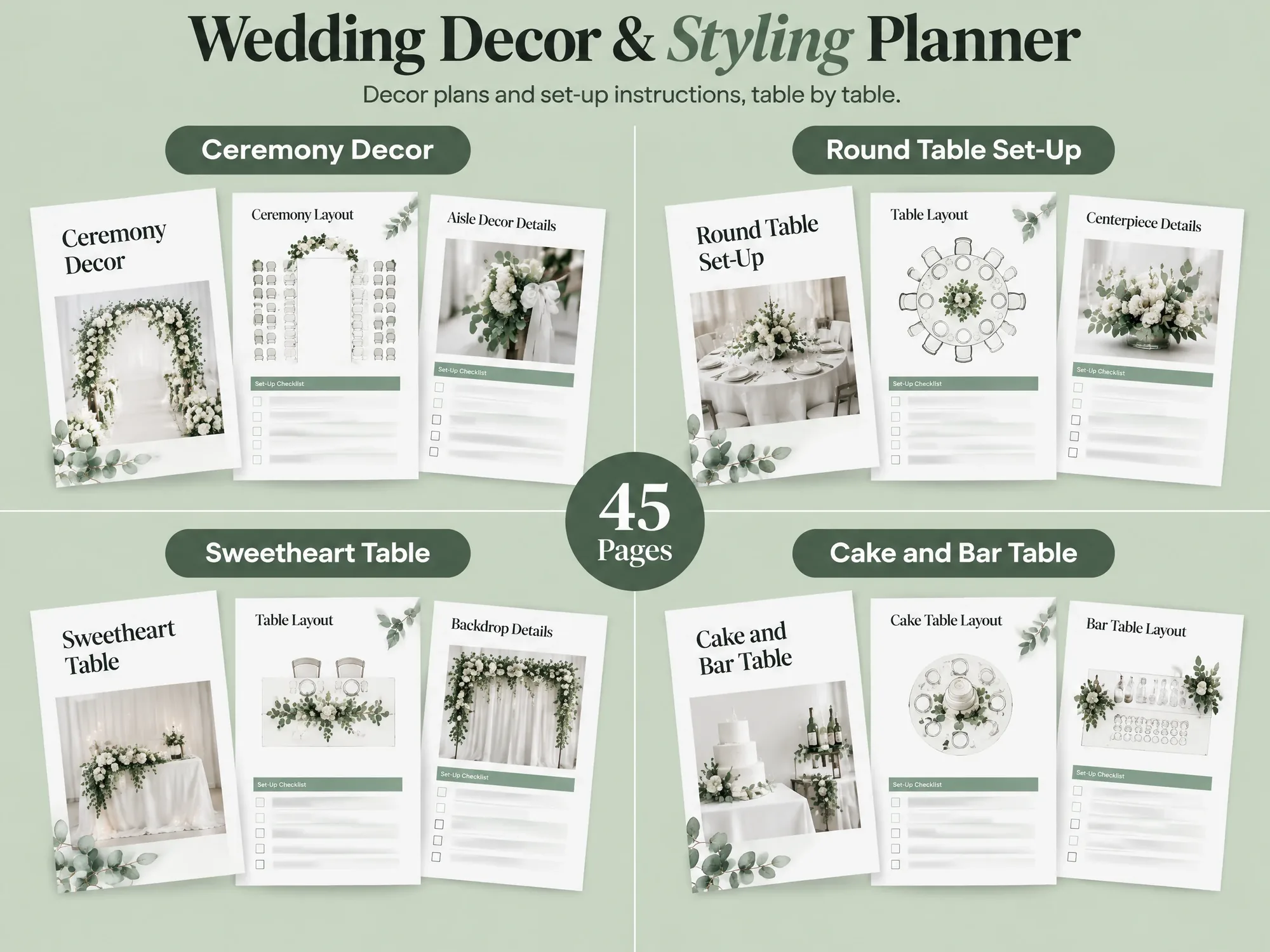
Decor Set-Up
Decor plans and set-up instructions for each table.
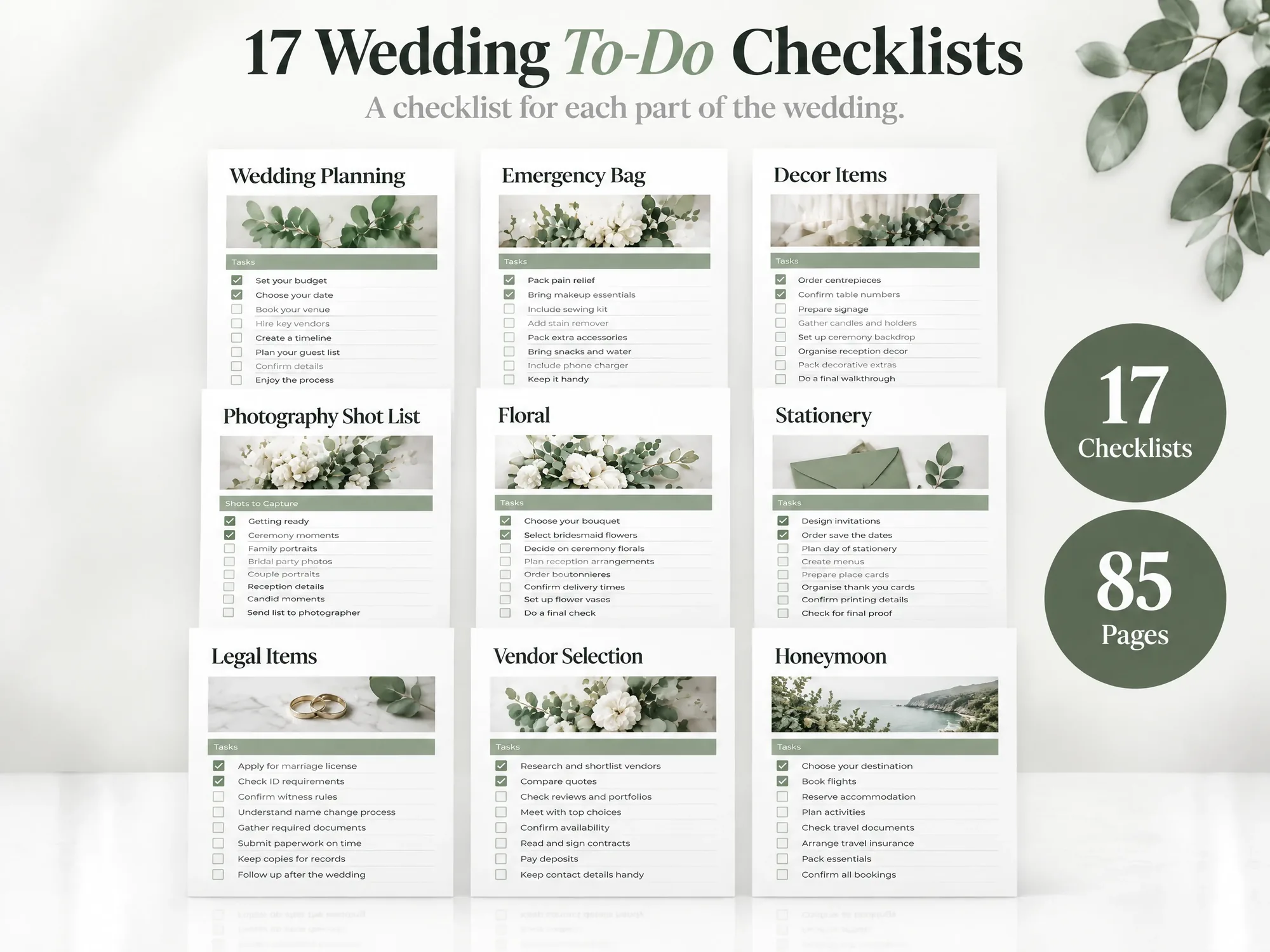
17 Checklists
One checklist for each part of the wedding.
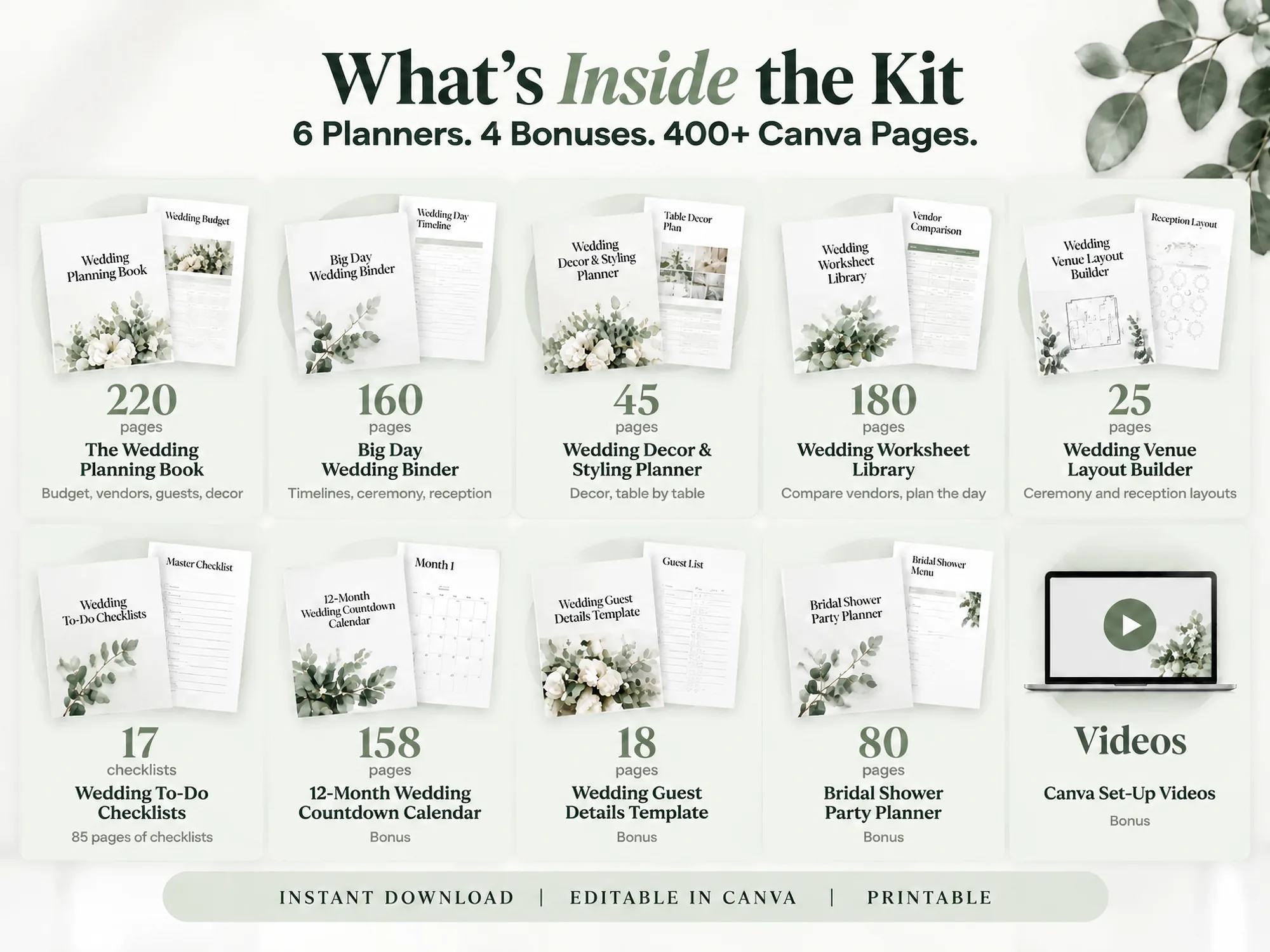
6 Planners. 400+ Pages. Everything Listed.
Planning and Worksheets
The Wedding Planning Book (220 pages) and the Wedding Worksheet Library (180 pages).
The Big Day
The Big Day Wedding Binder (160 pages) and 17 Wedding To-Do Checklists (85 pages).
Decor and Layout
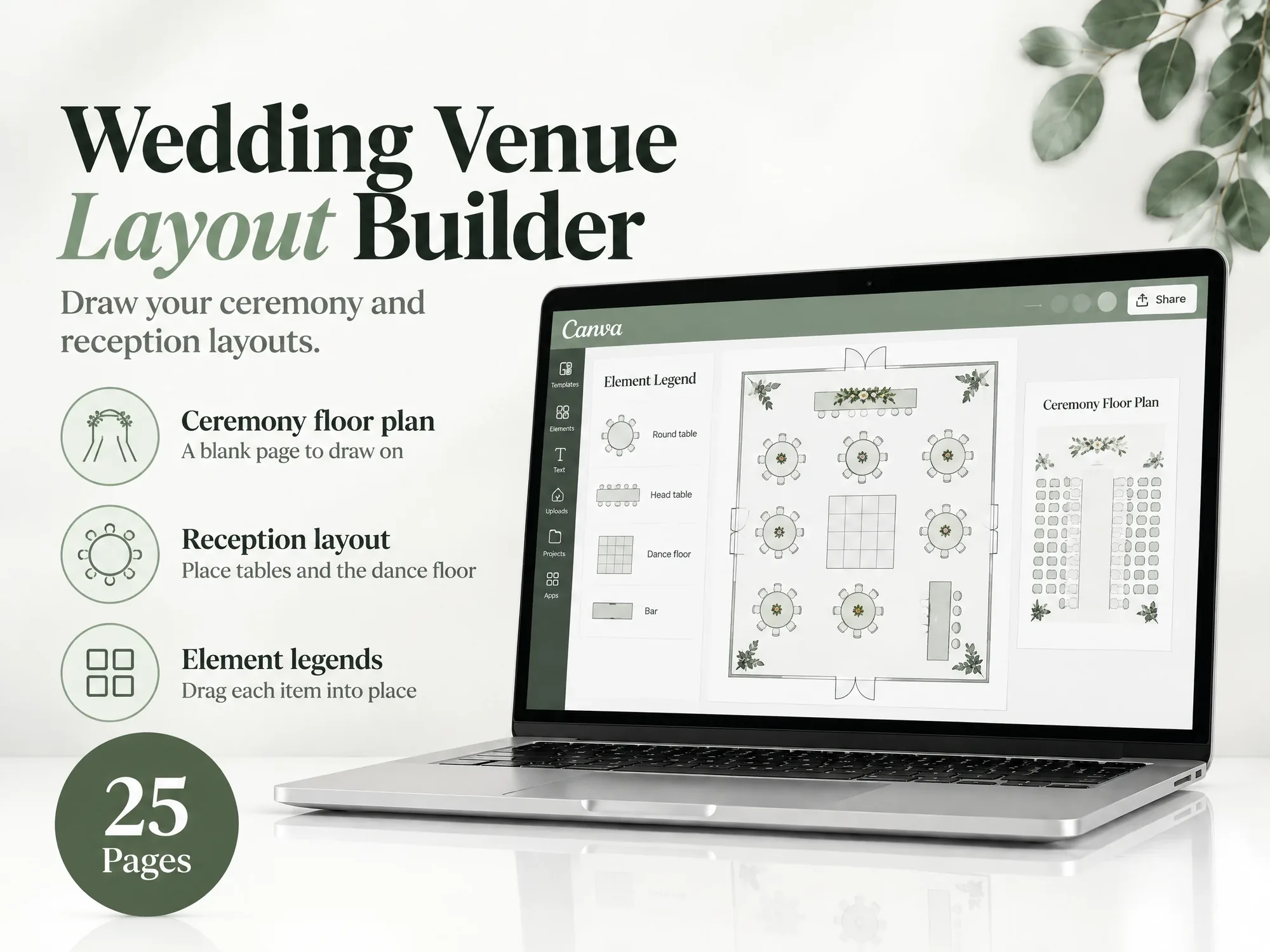
Wedding Decor & Styling Planner (45 pages) and Wedding Venue Layout Builder (25 pages).
Also Included
Every Planner Inside
Every planner opens in Canva. Set your colours once for every page.
Wedding Planning Book
220 pages, printable
Big Day Wedding Binder
160 pages, printable
Wedding Decor & Styling Planner
45 printable Canva pages
Wedding Worksheet Library
180 pages, printable
Wedding Venue Layout Builder
25 pages, printable
17 Wedding To-Do Checklists
85 pages, printable
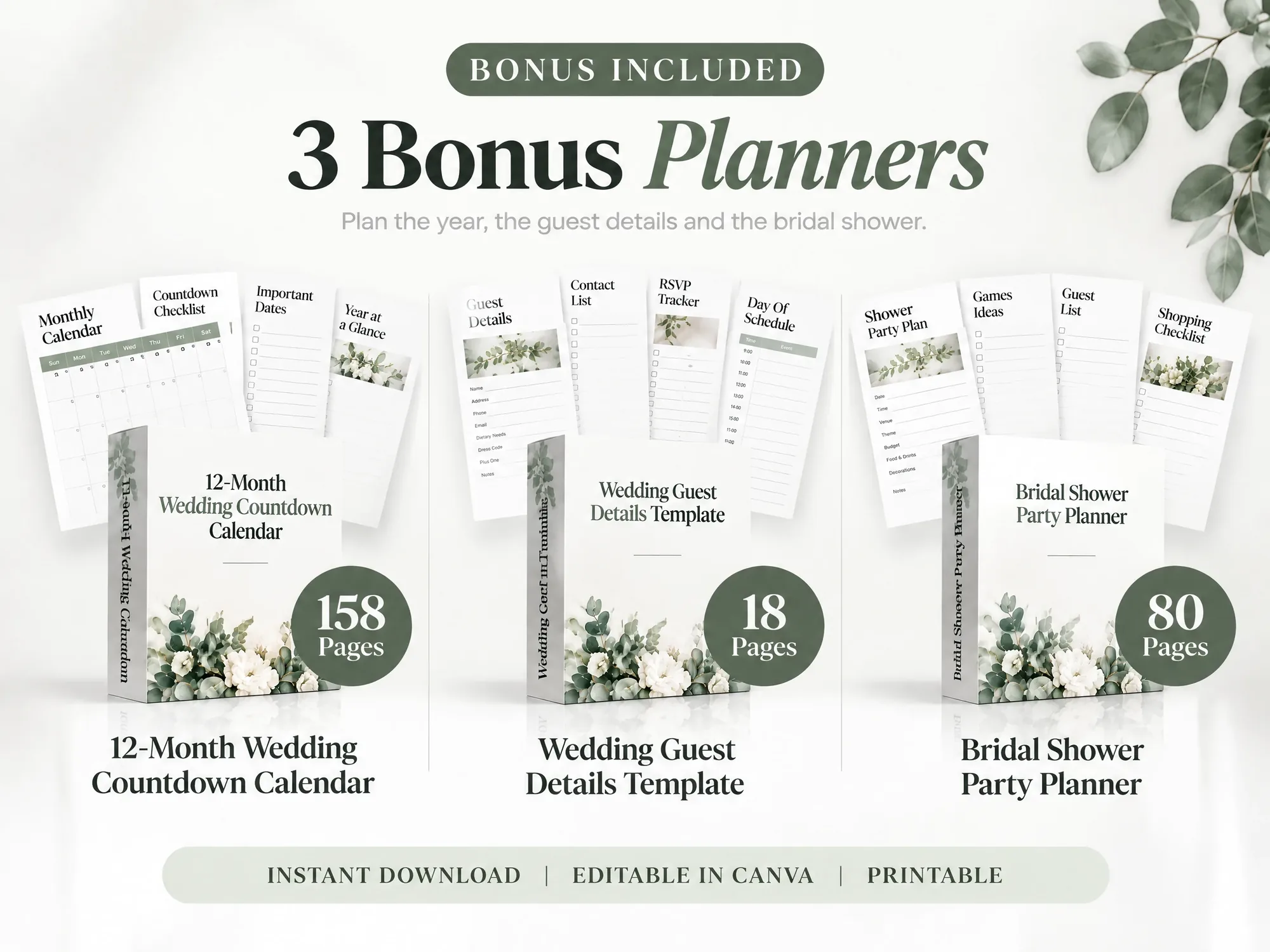
3 Bonus Planners
Three more Canva planners come in the same download, plus the Canva Set-Up Videos below.
Bonus • 158 pages
12-Month Wedding Countdown Calendar
Count down month by month.
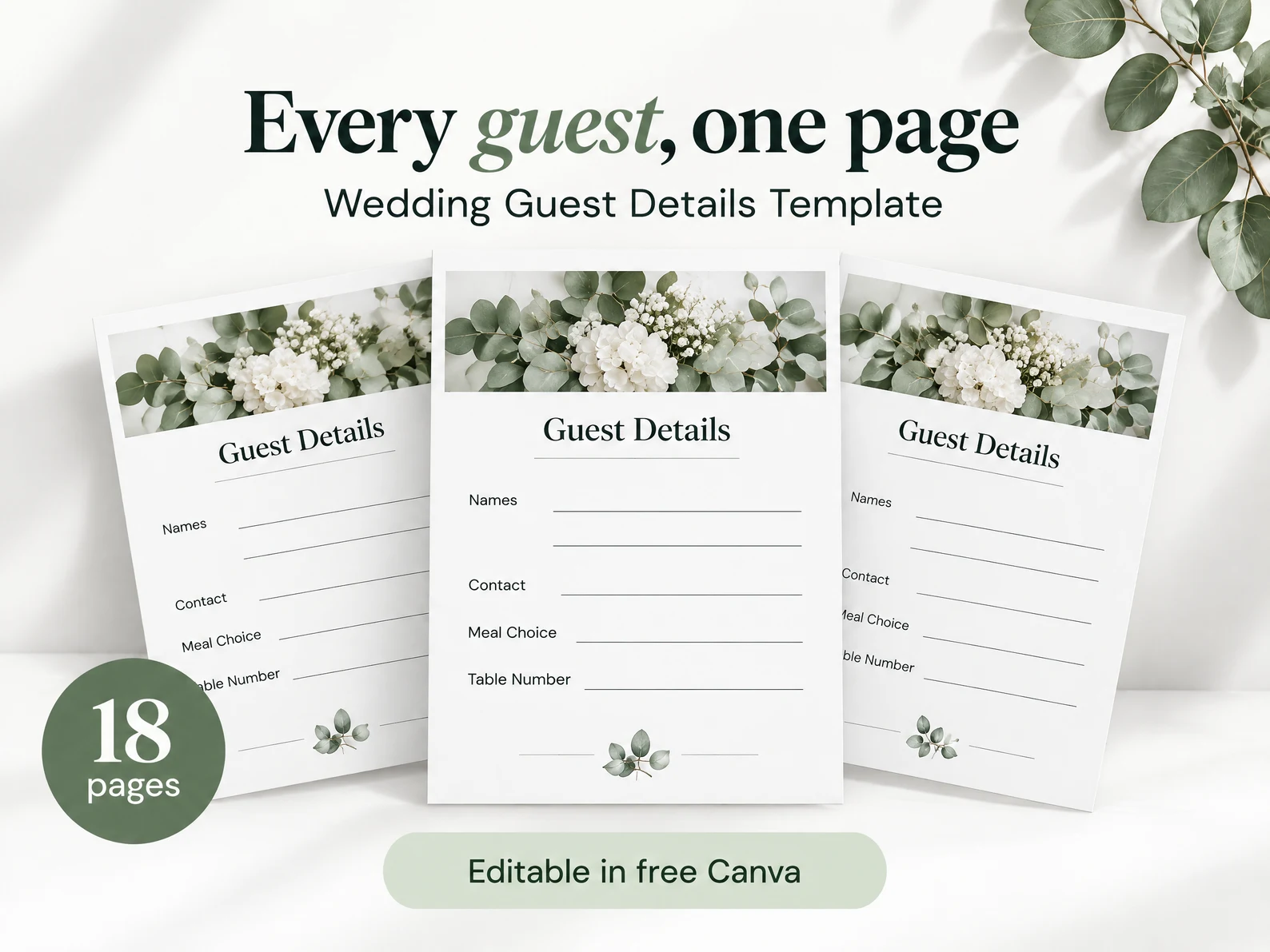
Bonus • 18 pages
Wedding Guest Details Template
Key details for guests.
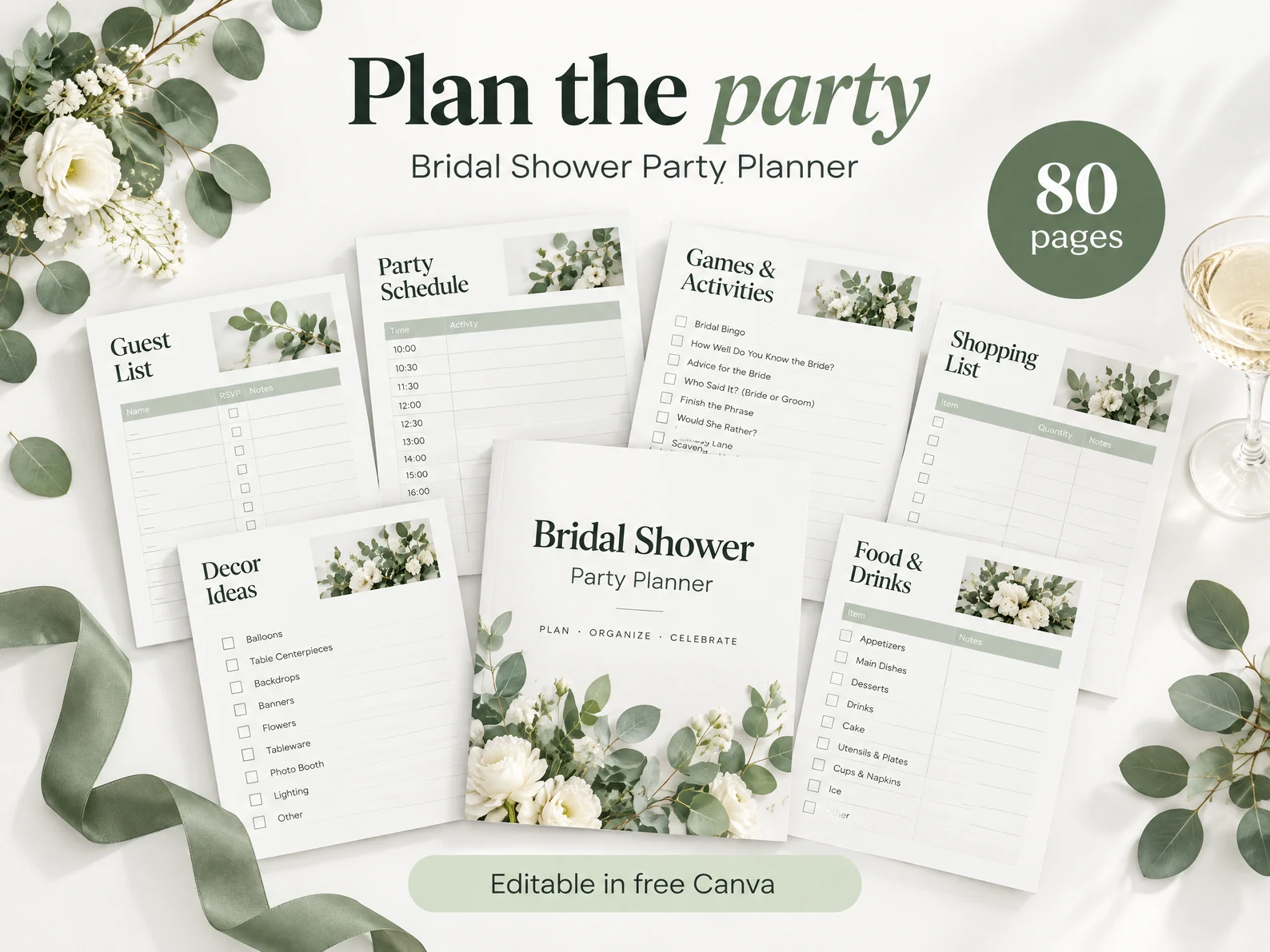
Bonus • 80 pages
Bridal Shower Party Planner
Plan the shower too.
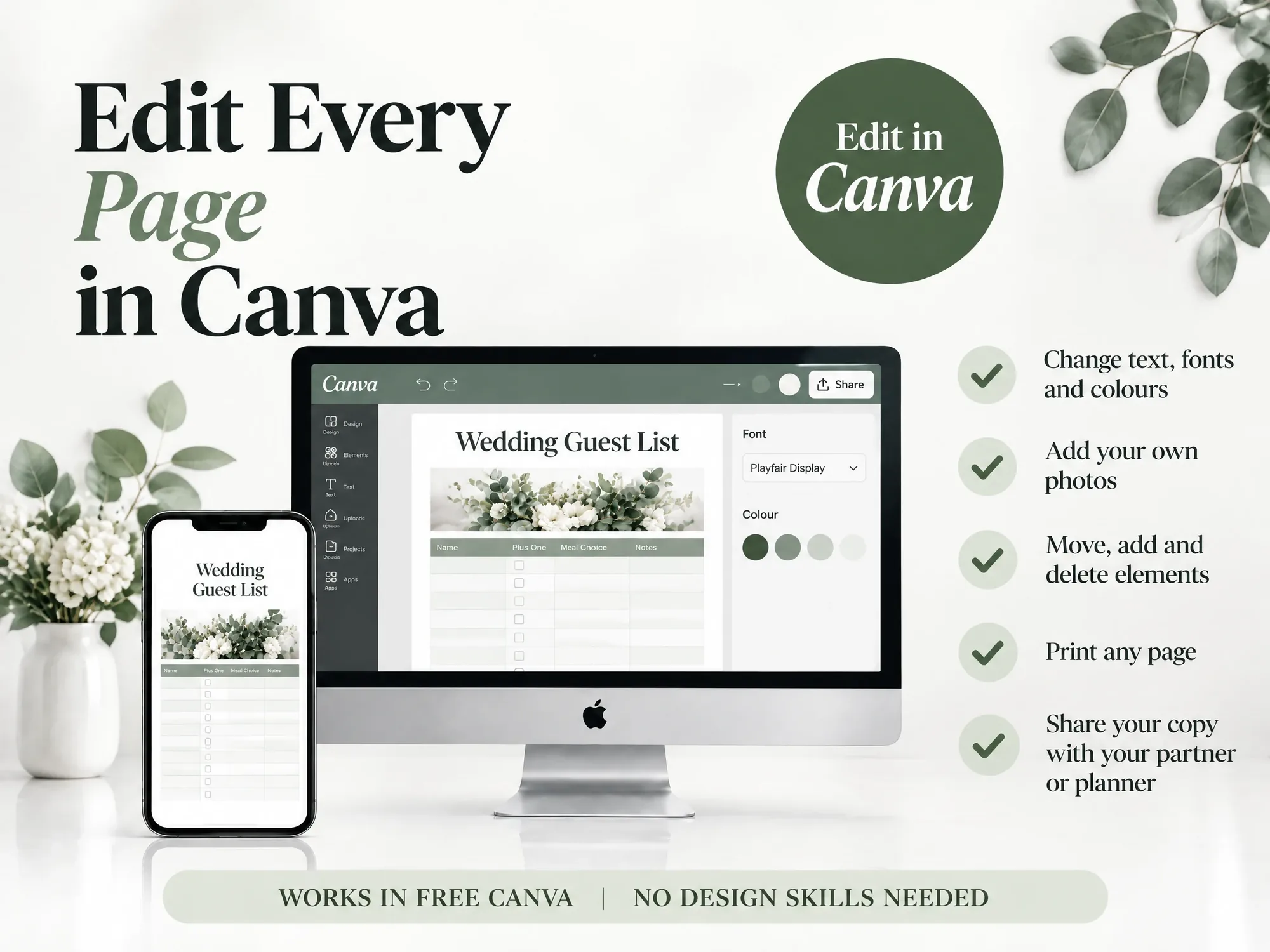
Open It in Canva. Make It Yours.
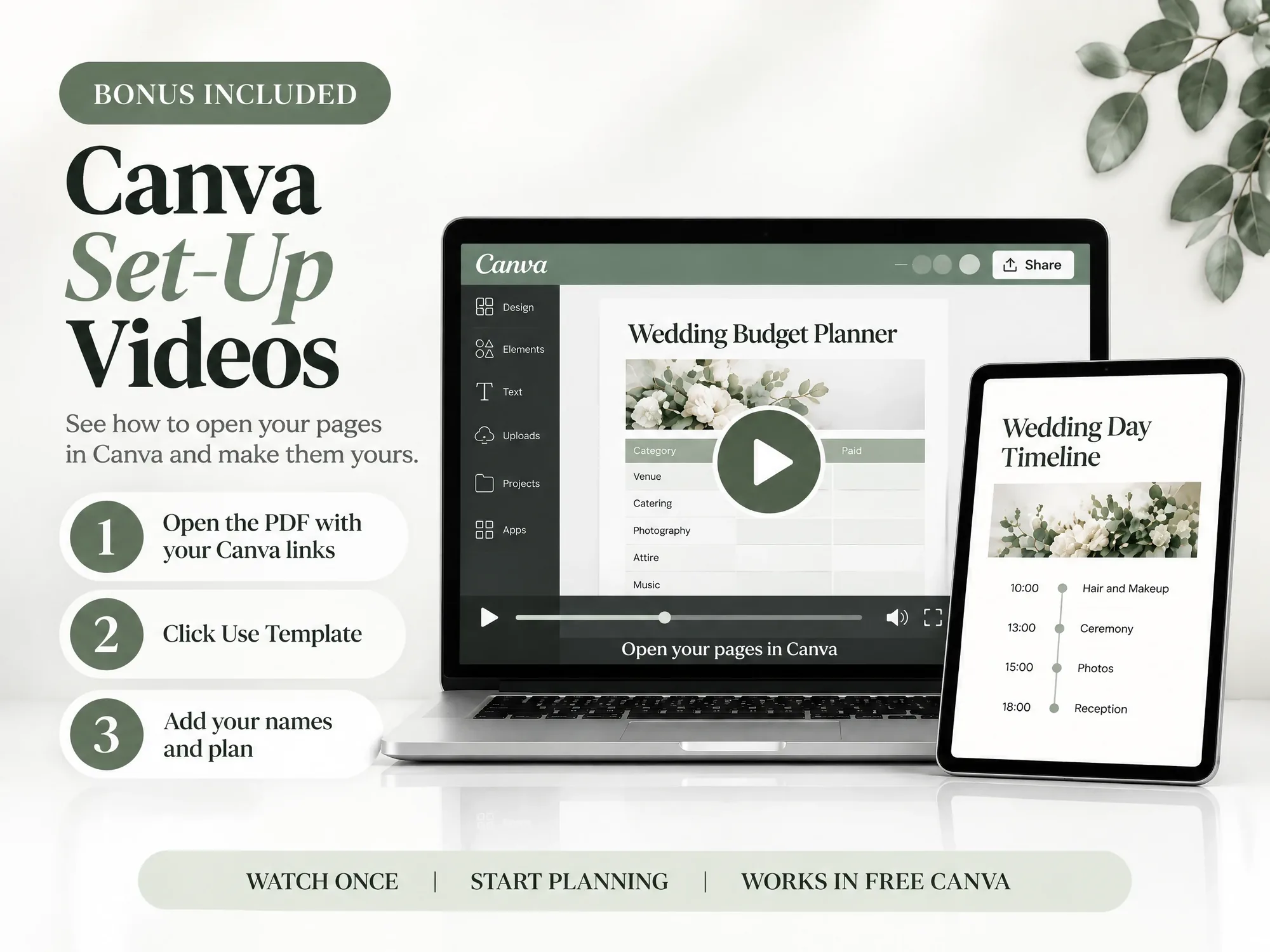
Open the PDF with your Canva links, click "Use Template", then add your names and start planning. The set-up videos show each step.
What Planner Lovers Are Saying
Real reviews from real planners


For Couples Planning Their Wedding
Whether you plan alone, with your partner or with a wedding planner, everyone works from the same pages. Share your Canva copy with them, and each of you can edit the budget, the vendors and the guest list. Every change shows for everyone.
6 Planners, One Download, Yours to Keep
Six planners and three bonus planners, all in matching Canva pages. Open them on a computer, tablet or phone, and print any page.
START IN MINUTES
Open the PDF and click "Use Template" in Canva. Then add your names and the date, and follow the set-up videos.
ONE PRICE, ONCE
Pay once and keep every page. There is no subscription and no monthly fee. Plan at your pace, up to the big day.
NO DESIGN SKILLS NEEDED
Change the text, colours and fonts in Canva. If you can click and type, you can make every page your own.
How It Works
Get started in minutes with instant digital access
Purchase
Complete your secure checkout
Download
Get a PDF with your Canva links
Customise
Click "Use Template" in Canva
Plan
Start planning your wedding day
6 Planners, 400+ Pages. One-Time Price.
Everything in one download. Six planners, three bonus planners and the Canva set-up videos.
- Wedding Planning Book (220 Pages)
- Big Day Wedding Binder (160 Pages)
- Wedding Decor & Styling Planner (45 Pages)
- Wedding Worksheet Library (180 Pages)
- Wedding Venue Layout Builder (25 Pages)
- 17 Wedding To-Do Checklists
Instant download • Free Canva • One-time payment
This is a digital product with immediate access after purchase. No refunds on The Wedding Kit or any order bump. The optional upgrade offered after checkout is the one exception, with a 90-day money-back guarantee.
Designed to Fit Your Needs
Plan in free Canva on a computer, tablet or phone, or print the pages. The Venue Layout Builder works best on a computer.
Frequently Asked Questions
Everything you need to know before you buy